Puntokus, by sight or by ear
How the logic puzzle for iPhone and iPad works with VoiceOver, color, text size, motion and its on-screen pad.
VoiceOver, board included
Every screen works with VoiceOver, and so does the board itself: it is not a picture but a grid you can explore cell by cell.
- Each cell says where it is and what it holds, and whether its dot has a partner: row 4, column 3 · Dot, unpaired.
- Each number says its line and how far along it is: Row 3: 2, then 1 of 2 dots, complete or one too many. It is read again whenever it changes.
- Actions mark the cell directly: Mark a dot, Mark a cross, Clear cell.
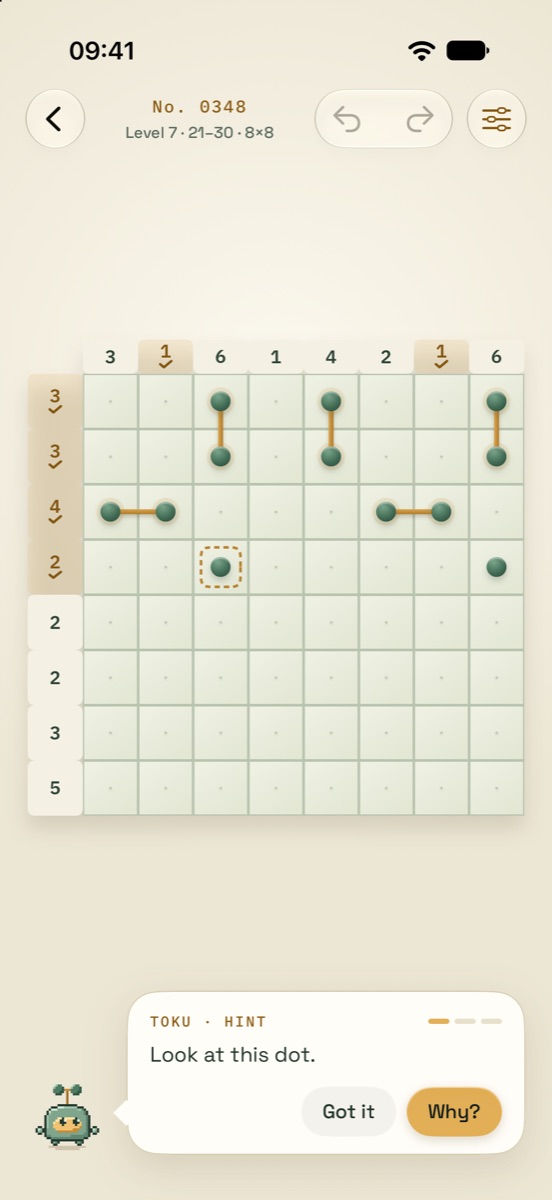
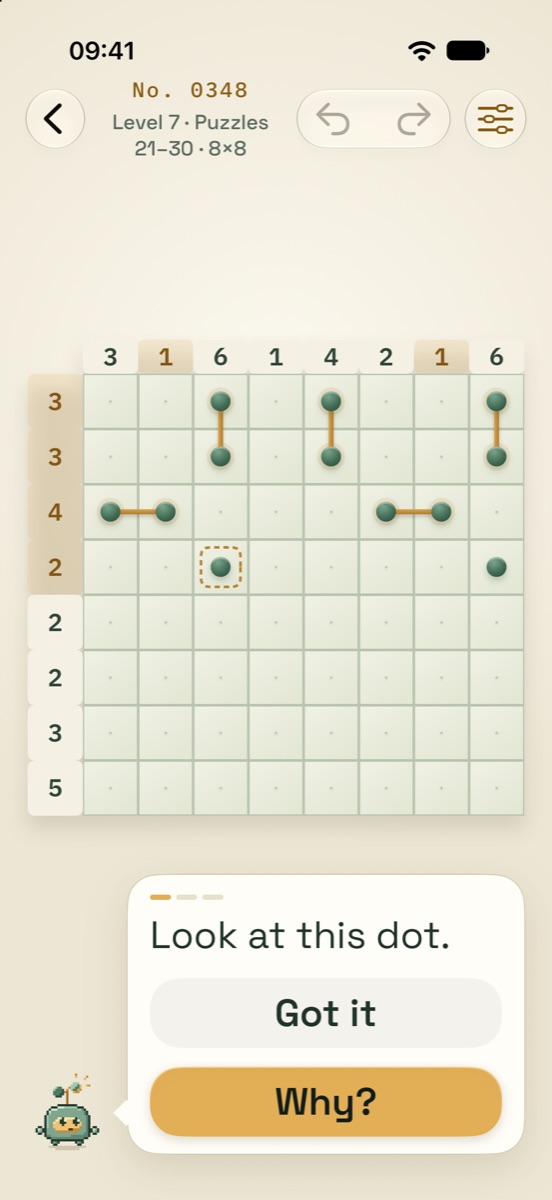
- Hints speak too. The cell a hint points at says so (pointed out by the hint, the hint suggests a dot), and the explanation is ordinary text that VoiceOver reads.
Never color alone
Nothing on the board depends on telling colors apart.
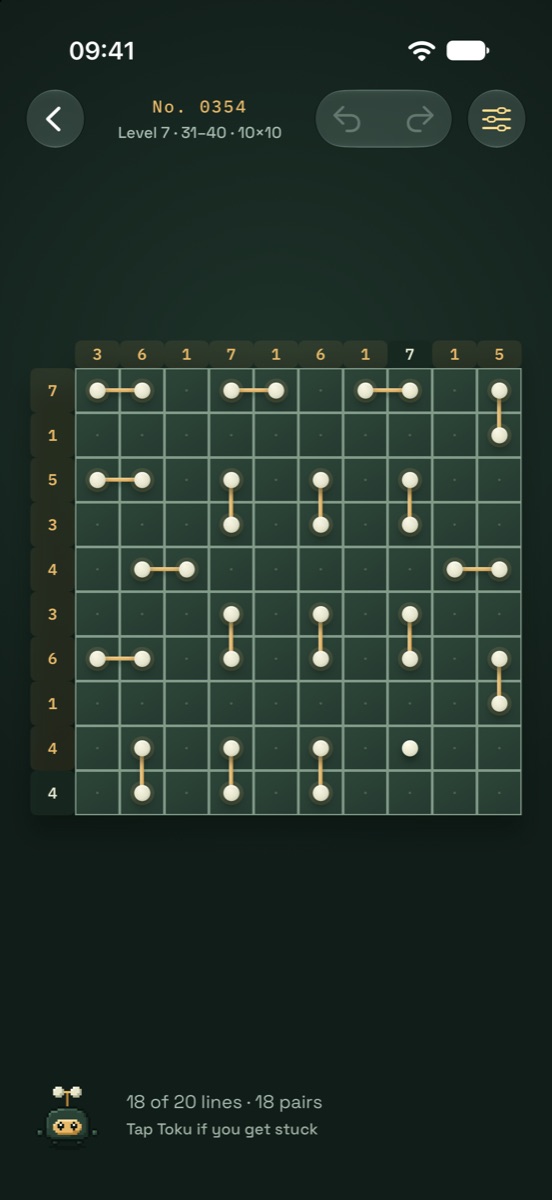
- A pair is drawn as a bond between two dots; a dot touching too many others carries a ! badge.
- A cross is a drawn shape, and the cell a hint points at has a dashed outline.
- With Differentiate Without Color, a complete line also gets a tick under its number and an over-full line shows how many dots it has too many (+1).
- With Increase Contrast, every theme switches to its own higher-contrast colors. Bold Text draws the numbers and their marks heavier.
Dynamic Type
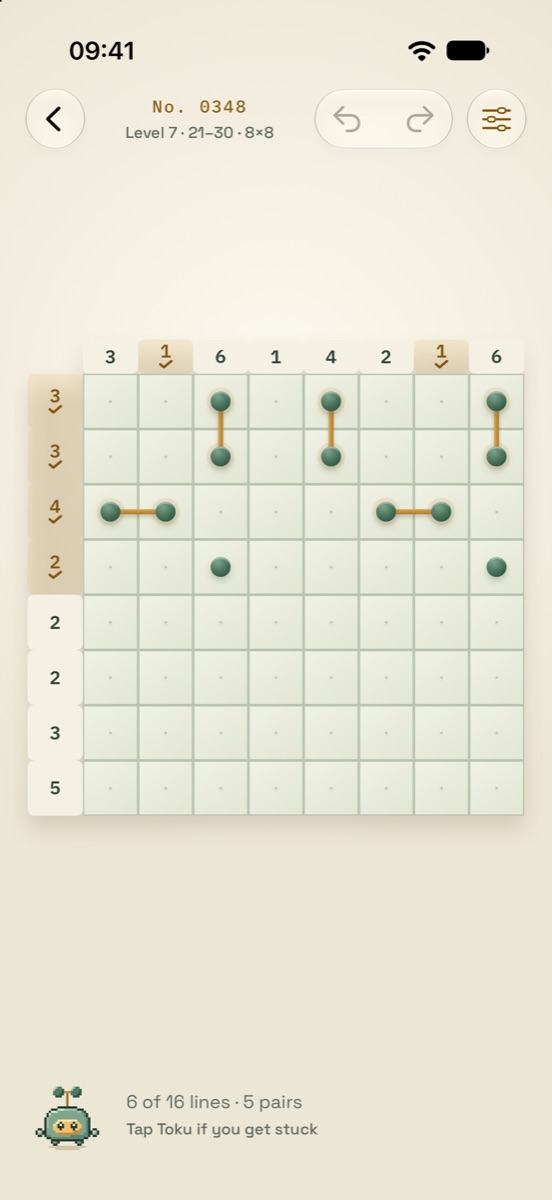
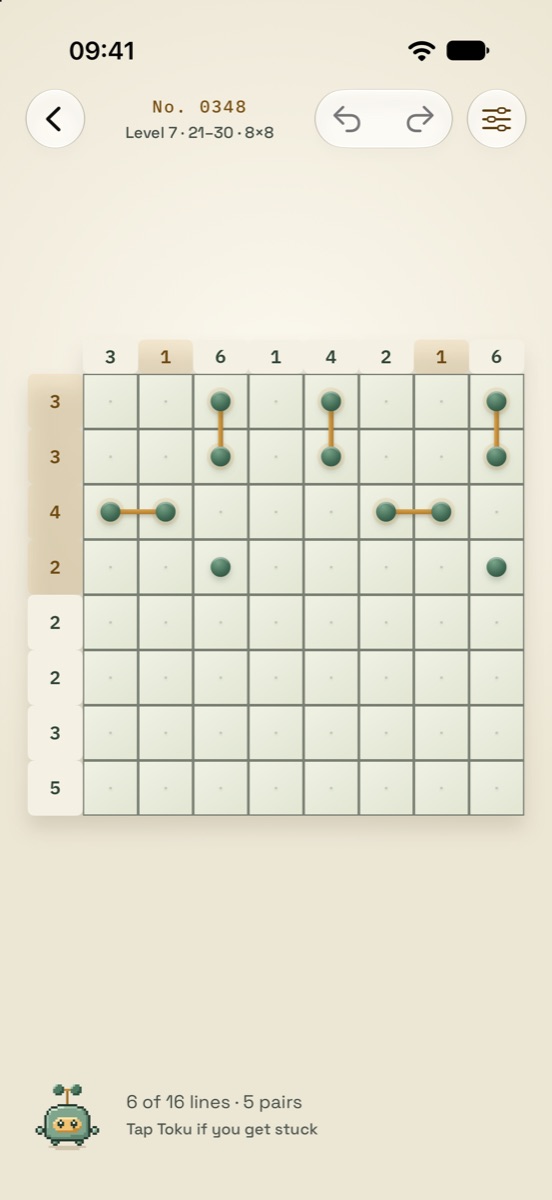
All text follows the size you choose in Settings, up to the largest accessibility sizes. Screens reflow and scroll instead of cutting words, buttons grow with their labels, and the board keeps its numbers legible.
Reduce Motion
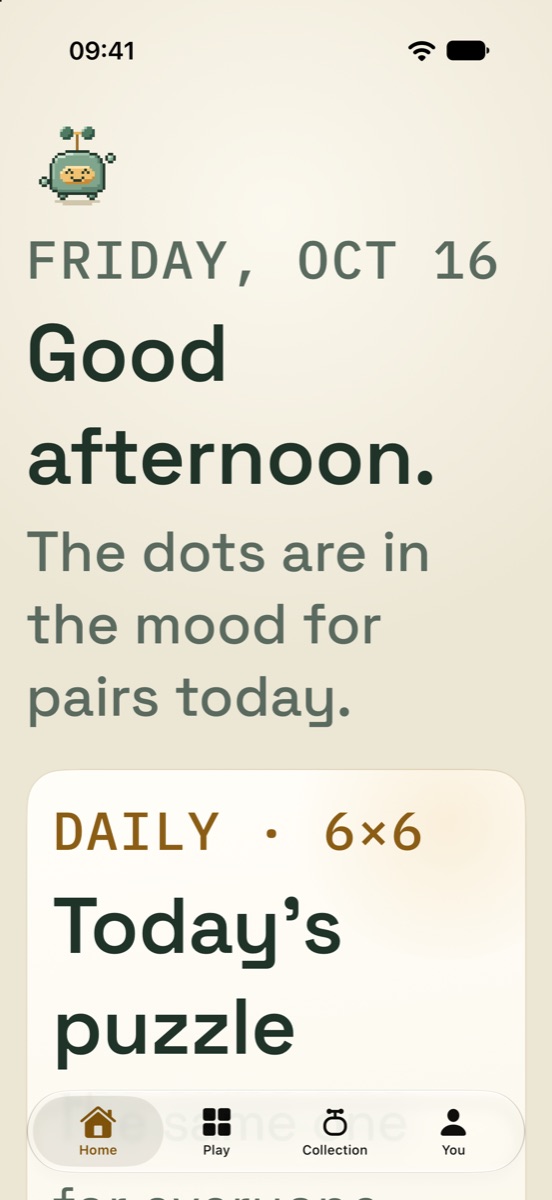
Every movement in Puntokus says something: a dot lands, a bond grows between two dots, a line's number fills up, the board settles when solved. With Reduce Motion they are not just switched off: each becomes a short fade or an instant change that says the same thing, with no bounce. Animations never block play, and there are no timers.
An on-screen pad
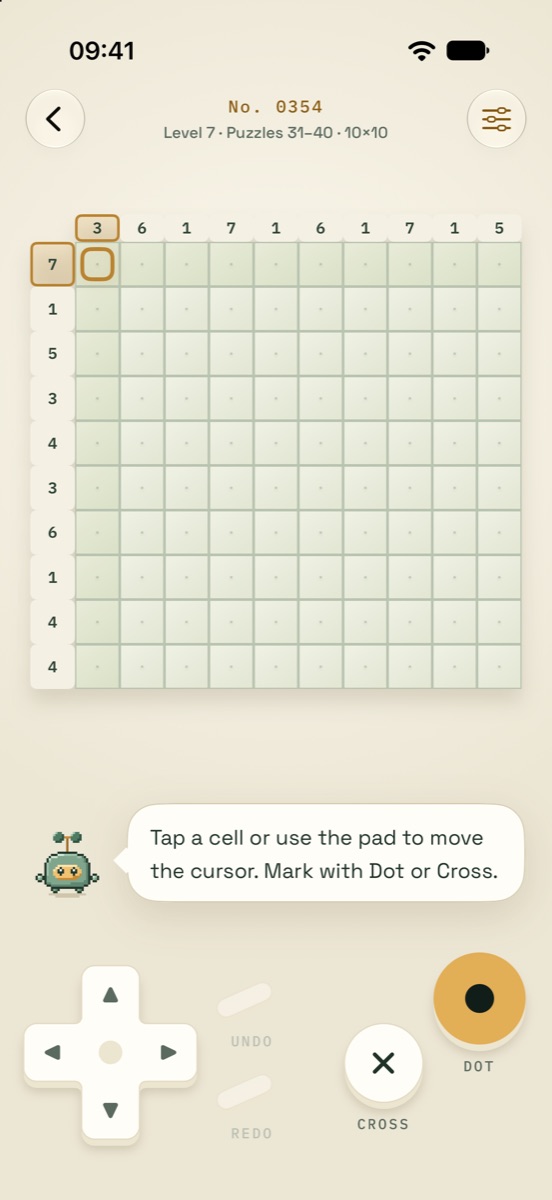
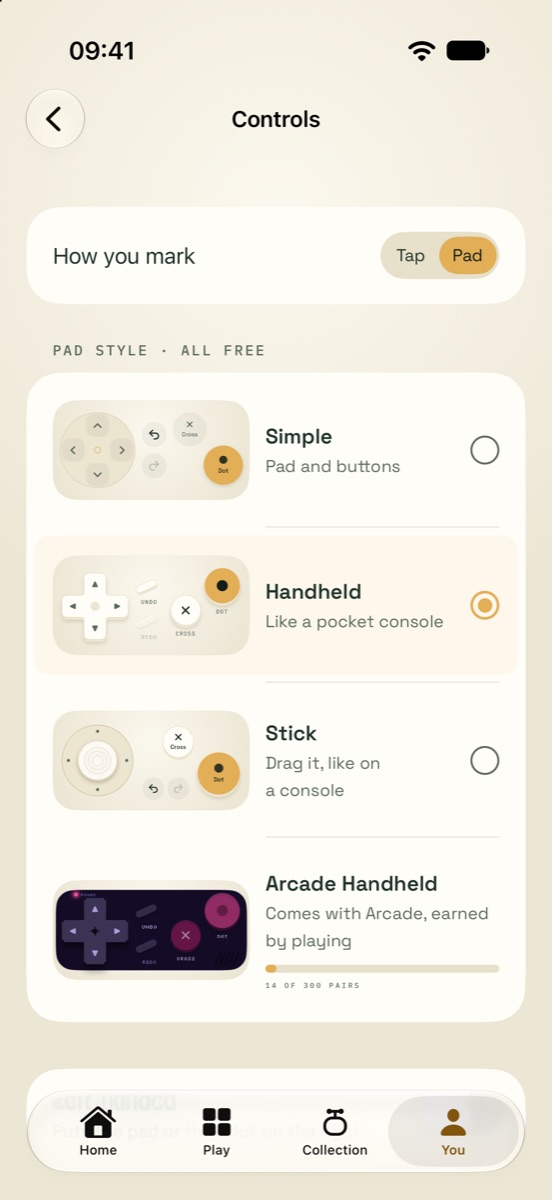
On large boards, cells get small. Players can choose how they mark: tap the cells, or use a pad that moves a golden cursor and marks with Dot and Cross buttons. With the pad, tapping a cell only moves the cursor, so a stray touch never marks anything.
- Three pad styles, all free: Simple, Handheld and Stick; a fourth, Arcade Handheld, is earned by playing.
- A left-handed layout, and a short guide the first time.
Puntokus is free to play on iPhone and iPad (iOS 18 or later), in 12 languages. Contact: puntokus@gmail.com · Press kit